How to Remove Review from Google Business (2026 Guide)
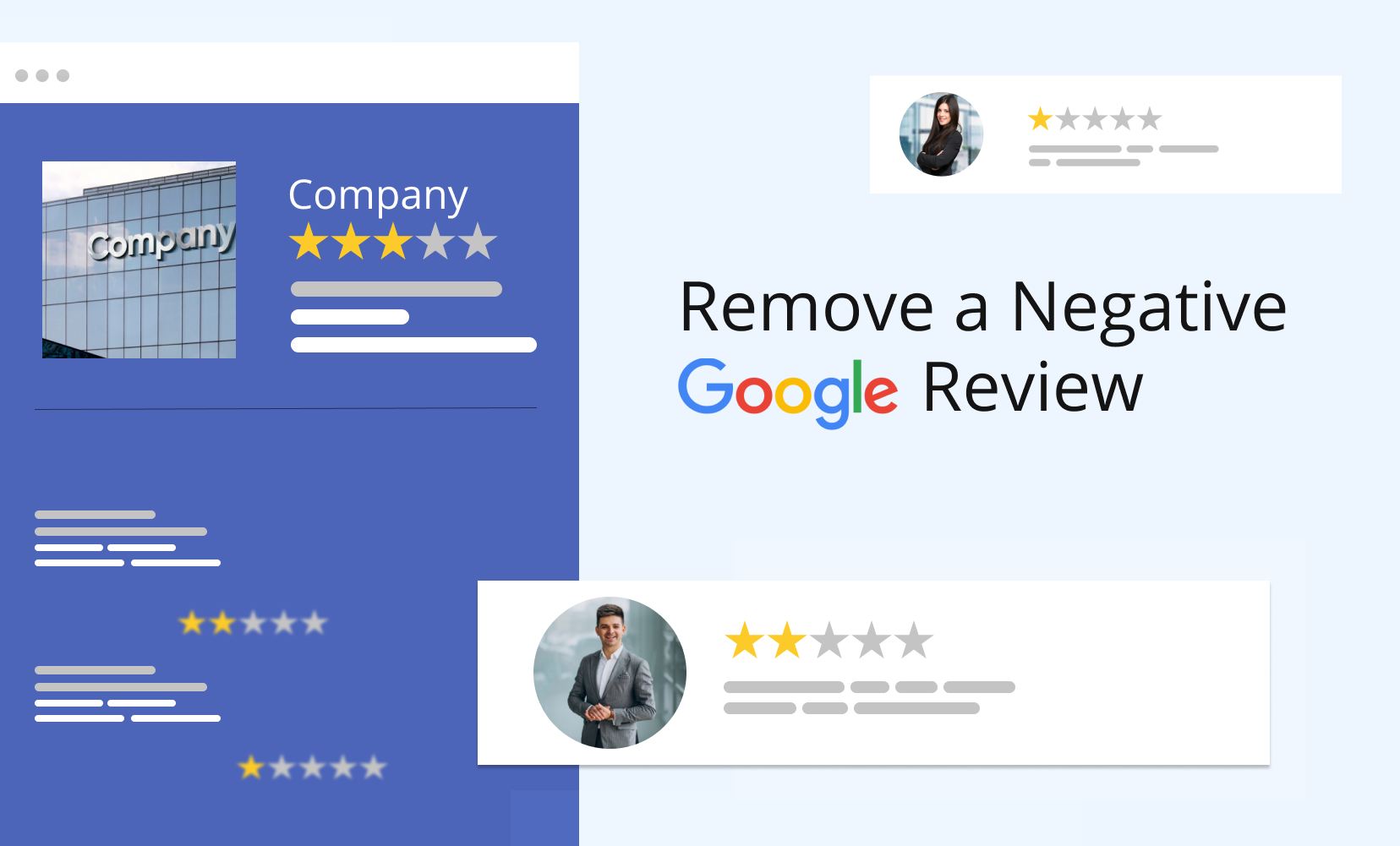
If you’re trying to figure out how to remove a review from your Google Business Profile, the first thing to know is that you can’t delete customer reviews yourself. Only Google can remove a review, and only when it violates the company’s review policies.
That doesn’t mean you’re out of options.
If a review is fake, spam, abusive, or posted by someone with a conflict of interest, you can report it for removal. If it’s a genuine customer complaint, your best approach is to respond professionally and focus on earning more positive reviews.
In this guide, you’ll learn when Google removes reviews, how to report policy violations step by step, what happens after you submit a request, and what to do if Google decides to leave the review online.
Can You Remove a Review from Google Business?
Yes, but only under certain circumstances.
Many business owners assume they can delete negative reviews from their Google Business Profile. Unfortunately, that’s not how Google Reviews work.
Google wants reviews to reflect real customer experiences, whether they’re positive or negative. For that reason, it won’t remove a review simply because it gives your business one star or contains criticism.
A review may be removed if it breaks Google’s review policies. This includes fake reviews, spam, harassment, hate speech, impersonation, or content that exposes someone’s personal information.
If the review is an honest opinion from a real customer, even if you strongly disagree with it, it’s unlikely that Google will remove it.
Understanding this distinction can save you time and help you focus on the reviews that actually qualify for removal.

Which Google Reviews Can Be Removed?
Before reporting a review, check whether it violates Google’s policies. Many removal requests are rejected simply because the review doesn’t break any rules.
The table below shows the difference between reviews Google is likely to remove and reviews that usually stay online.
| Google May Remove | Google Usually Won’t Remove |
|---|---|
| Fake reviews | Honest negative reviews |
| Spam or promotional content | Low star ratings |
| Hate speech or harassment | Complaints about customer service |
| Threats or abusive language | Negative opinions |
| Personal or confidential information | Pricing complaints |
| Reviews from competitors or employees | Slow delivery or long wait times |
| Off-topic or misleading content | Poor experiences that actually happened |
If you’re unsure whether a review violates Google’s policies, ask yourself one question:
Is this review breaking Google’s rules, or is it simply expressing an unhappy customer’s opinion?
That answer usually determines whether Google will remove it.

How to Remove Review from Google Business
If you’ve identified a review that violates Google’s policies, reporting it only takes a few minutes.
Step 1: Open Your Google Business Profile
Sign in to the Google account that manages your Business Profile.
Search for your business on Google or open your Business Profile dashboard. From there, click Read reviews to view all customer feedback.
Step 2: Find the Review
Scroll through your reviews until you find the one you want to report.
Take a moment to confirm that it genuinely violates Google’s review policies. Reporting reviews that don’t qualify won’t improve your chances of removal.
Step 3: Report the Review
Click the three-dot menu beside the review and select Report review.
Google will ask why you’re reporting it. Choose the reason that best matches the violation, such as:
- Spam or fake content
- Harassment or hate speech
- Conflict of interest
- Personal information
- Off-topic content
- Misleading information
Be as accurate as possible. Selecting the wrong category can delay the review process or result in your request being rejected.
Step 4: Wait for Google’s Decision
After you submit the report, Google reviews the content against its policies.
If the review violates those policies, it may be removed. If it doesn’t, it will remain visible on your Business Profile.
Avoid reporting the same review multiple times. Instead, monitor your request and gather supporting evidence if you plan to submit an appeal later.
What Happens After You Report a Review?
Once you’ve reported a review, Google begins reviewing your request. Depending on the circumstances, one of four things can happen.
- The review is removed because it violates Google’s policies.
- Google decides the review doesn’t break any rules, so it stays online.
- Google requests additional information before making a decision.
- Your request is denied, but you may have the option to appeal.
There’s no guaranteed outcome. Every report is reviewed individually, and Google won’t remove a review simply because it’s negative.
How Long Does Google Take to Remove a Review?
Most review requests are reviewed within three to seven business days, although some cases take longer.
Processing times can vary depending on the complexity of the report, the type of policy violation, and whether the case requires a manual review.
If your request is still pending after a week, don’t keep submitting new reports. Wait for Google’s decision before taking further action.
What If Google Doesn’t Remove the Review?
If Google rejects your request, don’t assume you’ve reached the end of the road.
Start by reviewing Google’s policies again to make sure the review genuinely violates them. If you have evidence, such as invoices, booking records, emails, or screenshots showing the reviewer was never a customer, keep those records ready.
You can then submit an appeal through Google’s review management process or contact Google Business Profile Support if additional assistance is available.
If the review contains defamatory statements, impersonation, or other unlawful content, you may also want to seek legal advice before requesting removal through Google’s legal channels.
Respond to Negative Reviews, Even If They Stay Online
Not every negative review should become a removal request.
In fact, a thoughtful response often does more to build trust than having the review removed. Prospective customers don’t expect every business to have a perfect five-star rating. They do expect businesses to respond professionally when something goes wrong.
When replying to a negative review:
- Stay calm and professional.
- Acknowledge the customer’s concerns.
- Apologize when appropriate.
- Offer to resolve the issue privately.
- Never argue or blame the customer.
Here’s a simple response you can adapt:
Thank you for your feedback. We’re sorry your experience didn’t meet your expectations. We take comments like yours seriously and would appreciate the opportunity to make things right. Please contact us directly so we can learn more and work toward a solution.
How to Remove Fake Google Reviews
Fake reviews can damage your reputation, lower customer trust, and even affect your local search performance. While Google actively detects suspicious activity, not every fake review is removed automatically.
If you believe a review is fake, here’s what you should do:
- Confirm it’s not from a real customer. Check your records to see whether the reviewer purchased your product or used your service.
- Look for policy violations. Fake reviews often come from competitors, disgruntled former employees, or spam accounts. They may contain misleading claims, promotional links, or irrelevant content.
- Report the review. Follow the steps outlined earlier in this guide and select the reason that best matches the violation.
- Keep supporting evidence. Save invoices, appointment records, emails, or screenshots that help prove the reviewer wasn’t a genuine customer. This information may be useful if you need to appeal Google’s decision.
Remember, not every review you suspect is fake will qualify for removal. Google looks for evidence that a review violates its policies, not simply whether the reviewer left a low rating.
How to Improve Your Google Rating Without Removing Reviews
Review removal isn’t the only way to protect your online reputation. In many cases, the best long-term strategy is to build a stronger review profile by encouraging satisfied customers to share their experiences.
Here are a few proven ways to improve your Google rating:
Ask Happy Customers for Reviews
The easiest way to increase your average rating is to consistently collect reviews from satisfied customers.
Ask for feedback shortly after completing a purchase or service, while the experience is still fresh. A simple email, text message, or QR code can make the process quick and convenient.
Respond to Every Review
Replying to reviews shows that your business values customer feedback.
Thank customers for positive reviews and address negative feedback professionally. Even if the reviewer never changes their rating, your response demonstrates accountability to future customers.
Make Review Requests Part of Your Process
Businesses that receive reviews consistently often have a system in place.
Consider adding review requests to your customer journey, such as:
- After completing a service
- Following an online purchase
- At the end of a support interaction
- During a follow-up email campaign
Small improvements over time can have a significant impact on your overall rating.
Never Buy Fake Reviews
Buying reviews or offering incentives in exchange for positive feedback violates Google’s policies.
Fake reviews are becoming easier for Google’s systems to detect, and businesses caught manipulating reviews risk losing customer trust and damaging their online reputation.
Authentic reviews will always outperform manufactured ones.
Common Mistakes to Avoid
When trying to remove negative reviews, many businesses unintentionally make the situation worse.
Avoid these common mistakes:
- Reporting every negative review instead of focusing on genuine policy violations.
- Arguing with customers in public responses.
- Posting fake positive reviews to improve your rating.
- Ignoring reviews for weeks or months.
- Asking employees or family members to leave misleading reviews.
- Using aggressive or defensive language when replying.
A calm, professional approach almost always delivers better long-term results than reacting emotionally.
Struggling with Negative Reviews?
Discover proven strategies on how to remove Google reviews for a better online image.
Key Takeaways
If you’re wondering how to remove a review from Google Business, remember these key points:
- Businesses cannot delete Google reviews themselves.
- Google only removes reviews that violate its content policies.
- Fake reviews, spam, harassment, and conflicts of interest have the highest chance of removal.
- Honest negative reviews usually remain online, even if they’re critical.
- Responding professionally can strengthen customer trust and improve your reputation.
- Building a steady flow of genuine positive reviews is one of the most effective ways to offset negative feedback.
Managing your reviews isn’t just about removing harmful comments. It’s about showing potential customers that your business listens, responds, and continuously improves.
Frequently Asked Questions
Can businesses delete Google reviews?
No. Businesses can’t remove reviews directly from their Google Business Profile. Only Google can remove a review after determining that it violates its review policies.
How long does Google take to remove a review?
Most requests are reviewed within three to seven business days, although more complex cases can take longer.
Can I remove a fake Google review?
Yes, if the review violates Google’s policies. Report it through your Google Business Profile and provide supporting evidence if you later need to appeal.
Will Google remove a one-star review?
Not necessarily. A one-star review won’t be removed simply because it’s negative. It must violate Google’s review policies.
What should I do if Google rejects my request?
Review Google’s policies again, gather additional evidence if available, and submit an appeal if appropriate. If the review contains defamatory or illegal content, you may also consider requesting legal removal.
Can customers edit or delete their own reviews?
Yes. Customers can update or remove reviews they’ve posted at any time by signing in to their Google account and editing their review.
Do responses to reviews improve SEO?
Responding to reviews isn’t a confirmed ranking factor, but it can improve customer trust, increase engagement, and demonstrate that your business actively manages its online reputation.
Can competitors leave reviews?
Google prohibits reviews intended to manipulate ratings or posted by people with a conflict of interest. If you believe a competitor has left a review, report it and explain why it violates Google’s policies.
Final Thoughts
Negative reviews are part of doing business, but they don’t have to define your reputation.
The most effective strategy isn’t trying to remove every critical review. It’s understanding which reviews qualify for removal, responding professionally when they don’t, and consistently earning genuine feedback from satisfied customers.
Over time, a healthy review profile built on trust, transparency, and great customer service will have a far greater impact than removing a single review. By focusing on long-term reputation management instead of quick fixes, you’ll build stronger credibility with both customers and search engines.
Wondering How to Remove Negative Content About Your Business Online?
Don’t Worry. We Are Here to Help and Guide You in Every Step of the Process.